Random Word Generator Guide: 10 Creative Ways to Use Random Words
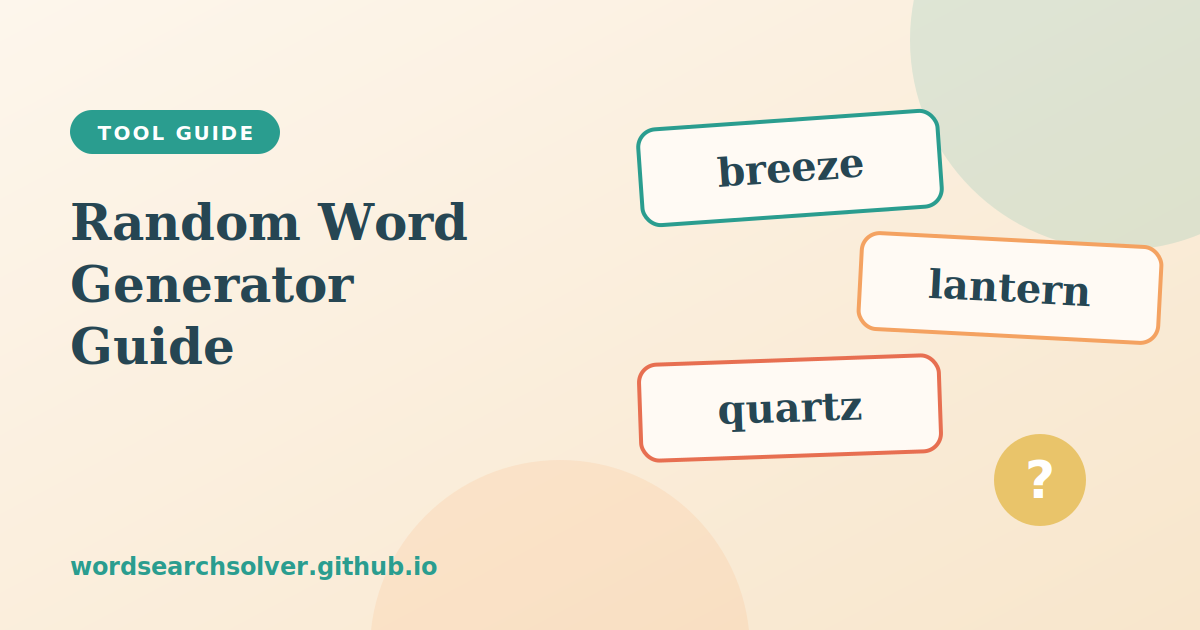
Sometimes the hardest part of any creative task is the first word. A random word generator removes that obstacle. It hands you a word you would never have chosen yourself, and that small surprise is often enough to start a story, a game or a lesson.
The Random Word Generator goes beyond a single random pick. You can control the number of words, the minimum and maximum length, the starting letter and the category, and then view the results in different display modes. This guide explains each control and gives ten practical ways to use random words.
How the Random Word Generator Works
Each time you press generate, the tool filters its word pool according to your settings and then picks words at random from what remains. Every pick is independent, so you will rarely see the same word twice in a row when the pool is large. The generator draws on a built-in curated word list organised by category, and it can use a larger dictionary where one is loaded.
Because the filters are applied before the random pick, you always receive words that meet your criteria. That makes the tool far more useful than a plain random selection from a dictionary, which would give you obscure terms of every length and every type.
Understanding the Filters and Display Modes
Learning what each control does lets you tailor the results to a specific purpose.
- Number of words. A slider lets you generate up to fifty words at once, which is enough for a word search or a week of vocabulary practice.
- Minimum and maximum length. Set both to the same value to get words of an exact length, or use a range for variety.
- Starting letter. Choose a letter to receive only words that begin with it, which is ideal for games with letter rules.
- Category. Pick a theme such as animals, food or technology to receive thematic words. There are nine categories to choose from.
The results can be shown in three ways. Grid mode displays many words at once and suits bulk generation. List mode adds the length of each word. Big Word mode shows one large word at a time, which is perfect for projecting in a classroom or playing a live game. Click any word to copy it, or use the copy-all button for the full list.
Ten Ways to Use a Random Word Generator
1. Writing prompts
Generate three to five words and challenge yourself to include all of them in a short story, poem or scene. The constraint forces you to make connections you would not have made otherwise.
2. Vocabulary building
Aim to learn ten new words a day. Use the length filter to match your level, and write a sentence for every word before moving on.
3. Spelling practice
Generate a list at the right length for a child's age, then ask them to spell each one aloud. Elementary words are typically three to six letters, middle school words five to nine and older learners eight letters or more.
4. Word association games
Take one random word and let each player say the first related word that comes to mind. The chain of associations can be surprisingly funny.
5. Pictionary and charades
Use Big Word mode to reveal a word to the performer while the rest of the group guesses. Choose the category to match the group, such as animals for children.
6. Brainstorming
When a team is stuck on a project name or a campaign idea, a random word can act as a provocation. Ask how the word relates to the problem, even if it seems unrelated.
7. Drawing and design challenges
Artists often use a random word as a daily prompt. Generate one word, set a timer and make something inspired by it.
8. Quizzes and spelling bees
Teachers can create quick sets of words for a classroom spelling bee, selecting by length to scale the challenge.
9. Starting letter games
Fix the starting letter and see how quickly your group can think of words to match, then compare with the generated list to see what you missed.
10. Puzzle creation
Generate a themed list and use it as the basis for a word search, scramble or crossword. This is the use that ties the whole site together, and it is explained next.
From Random Words to a Finished Puzzle
The generator is connected to the puzzle tools, so you can move from a list of words to a finished puzzle without retyping. After you generate your list, a button sends the words to the Word Search Generator, which loads them automatically. From there you choose a grid size and difficulty, generate the puzzle and print it.
That workflow takes about a minute. If you want to understand the settings in the next step, read the Word Search Generator guide. If you prefer a jumble format, copy the same list into the Word Scramble Generator and use the Word Scramble Generator guide to pick a suitable level. For a polished printed sheet with an answer key, finish with the Printable Word Search.
Matching Words to Grade Levels
Length is the simplest proxy for difficulty, and the generator makes it easy to apply. Young learners usually do best with words of three to six letters. Middle-school students are comfortable with five to nine. High-school and adult learners can handle eight to fifteen. Combine the length filter with a category and you can quickly produce grade-appropriate sets, such as short animal names for early readers or longer technology terms for older students.
| Audience | Suggested length | Suggested approach |
|---|---|---|
| Early readers | 3 to 6 letters | Animals, food and nature categories |
| Middle school | 5 to 9 letters | Mixed categories and starting-letter challenges |
| High school and adults | 8 to 15 letters | Longer words for vocabulary building and puzzles |
Tips for Getting the Most From Random Words
Treat random words as invitations, not instructions. If a word does not suit your purpose, simply generate again. Keep a notebook or document of words you like, because a collection of good prompts becomes a valuable resource. Combine random words with other tools: for example, scramble a list to make a jumble with the Word Scramble Generator, or use the Anagram Solver to see which smaller words hide inside a longer one.
For word-grouping practice, try generating sixteen words from different categories and see if you can sort them into four groups. That is exactly the skill that the Connections Unlimited game tests, and the Connections Unlimited guide covers strategies for it.
Frequently Asked Questions
How many words can I generate at once?
You can generate up to fifty words in a single click, and there is no daily limit.
Can I choose the starting letter?
Yes. Select a letter to receive only words that begin with it.
Can I send the words to the word search generator?
Yes. Use the button that sends your list directly to the word search generator.
Are the words truly random?
Each click makes an independent random selection from the filtered pool, so repeats are uncommon with large pools.
Is the random word generator free?
Yes. It is free to use and works on phones, tablets and computers.